Wednesday, May 29, 2019

reflection on camtasia


In one of the class during ICT learning period, we were taken through video editing on camtasia. Camtasia is software created and published by TechSmith. Before I was aware of cam tamtasia’s facilities, I was wonder how do they edits videos and audio in any forms and style having attractive visual for the audience in looks.
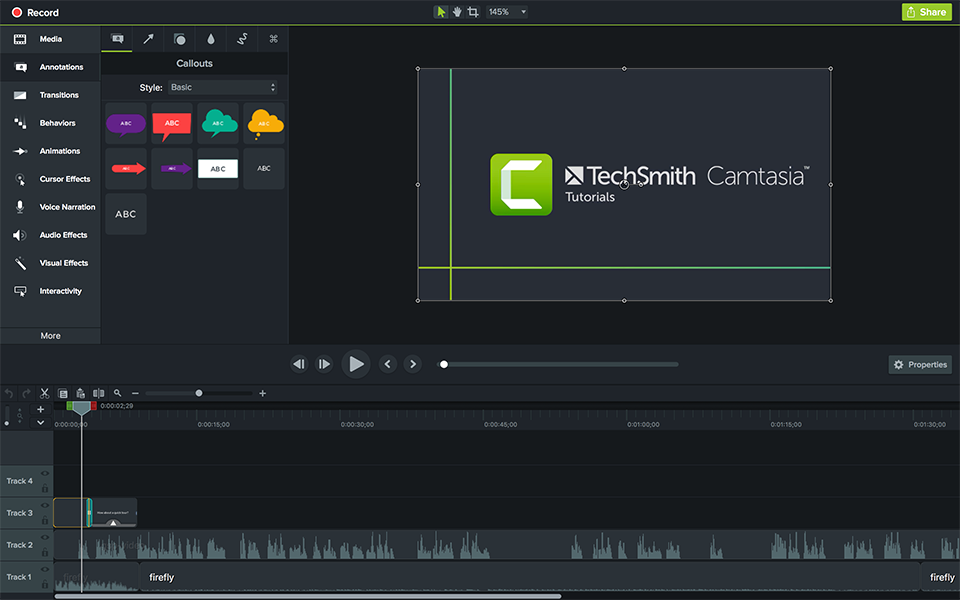
Image result for images of camtasiaIn this globalize world I found camtasia video edition is important either being teacher of parents in our near future because with the help of camtasia facilities we can manipulate the teaching style in the form of audio visual so the it cater all the students in regards of different learning style irrespective of abilities. There are two types of camtasia software, camtasia 6 and 8, so our tutor familiarized about camtasia 6.
Practicing is the key feature in development of and skills in our life and the numbers of practice directly proportional to our growth both physically and mentally. During one the class our tutor let us to practice how to edit a videos and audios using camtasia application. I had few videos collected within the college campus like student’s movements, environments and few attractive scene and views on Paro valley. 
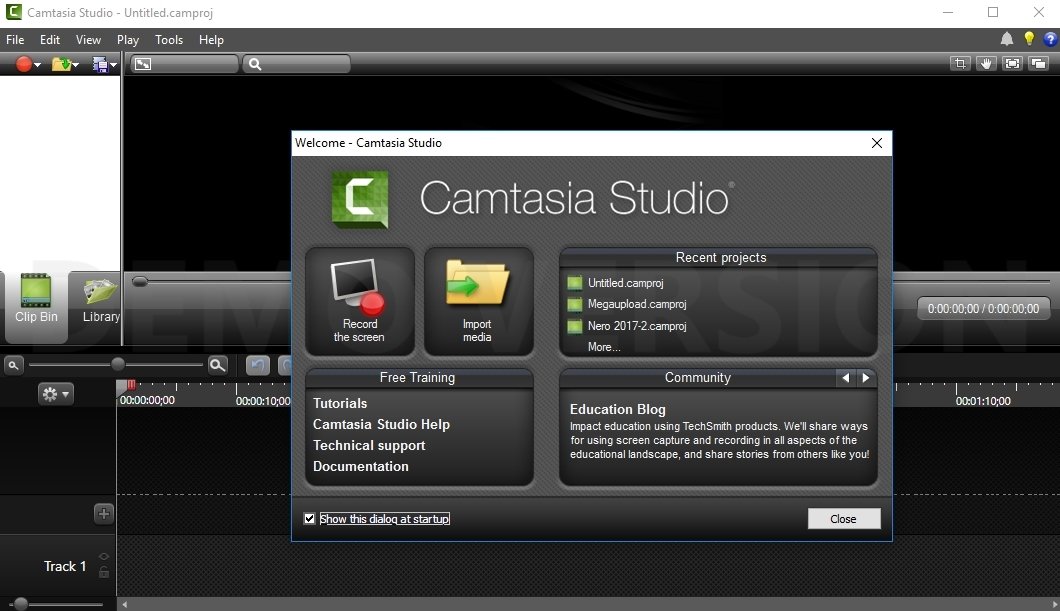
 Image result for images of camtasia
So, conclude my reflection, I would like to upload few pictures and video that I have practice in my last class. The learning of editing and practicing the camtasia movie edition was fun at the same time I felt that this module would have introduce in earlier semester so that we would have developed more skills in usage of camtasia.

Tuesday, May 14, 2019

Reflection on Google classroom


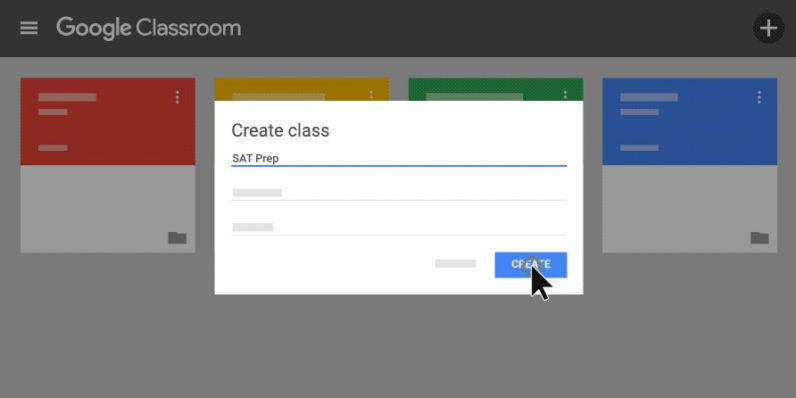
In this 21st century and classroom teachings are now replaced by technology unlike during our time. Until now I don’t have any idea of google classroom but after introducing google classroom in the ICT class I came to know that, Google the classroom is free web service develop by Google for schools that aim to simplify creating, distributing and grading assignments in a paperless way and Google Classroom can be accessed from any computer through Google Chrome or from any mobile device regardless of platform.  Students can access the google Classroom at any time and anywhere.
Image result for images of google classroom
In this google classroom, we can invite students and students can join a class through a private code. Students can access to the classroom and get the information like how many assignments are there, when is the due date, announcement and for the lesson they can watch the video, they can read the reading materials and so on. This google classroom is a huge time saver as this Classroom can be accessed from a mobile device; teachers and students can participate through their phones or tablets.

A teacher can upload all the assignment with the due date, can make an announcement, and upload all the learning materials such as video, animation and reading materials. Students get informed when they log in this class and they can do the assignment with help of learning materials that have been uploaded in the google classroom and they can submit online on the due date. In this class teacher and students can discuss anything in the discussion forum regardless of the platform where they don’t have to make an appointment to meet and discuss. So, I think google classroom has many benefits to us, specials to the educators.
Image result for images of google classroom
Through Google Classroom, teachers are easily able to differentiate instruction for learners. Assigning lessons to the whole class, individual students, or groups of students takes just a few simple steps when creating an assignment on the Classwork page. Teachers and students can send emails, post to the stream, send private comments on assignments, and provide feedback on work. Teachers have full control over student comments and posts. I will make sure to use this google classroom knowledge in my real field of teaching as it has many benefits to both teacher and students

Monday, May 6, 2019

ICT in classroom learning


When we say integrating ICT in the classroom it does not mean that using a computer in the classroom if it does not enhance student learning or if it does not add value to teach. Integrating ICT in the classroom means the use of learning technology to introduce, reinforce, supplement and extend skills. If ICT is part of the lesson or included in the lesson or has a proper connection with the lesson that it is called technology is integrated into the classroom.
Image result for images of ict use in classroom

In our school days, we are taught in the rigid classroom which is dominated by the teacher. We didn’t get the opportunity to learn in the class where the ICT is fully integrated into the learning and teaching process. Now I realize that we lack so many things where it can be solved by using ICT in the classroom. In our school day, we don’t have any idea about power point presentation, internet, YouTube and some of us, we didn’t even saw the computer in their entire school days then think what will be our thinking and learning process is like.

Image result for images of ict use in classroomIn this 21st century, it is now a digital world. So, it is high time to integrate ICT in the classroom in the teaching and learning process. In my school days without the use of PowerPoint in the classroom have a lot of inconveniences both for teachers and students? Integrating ICT in the classroom helps to motivate students learning and it also helps to gain the attention of the students.
Through my teaching practice, I came to know that integrating ICT in the classroom in the classroom has a lot of benefits as it gains the attention of the students and it also builds curiosity in the learning. 

They ask a lot of questions as and when they see picture and videos. I knew that more learning was taking place when we integrate ICT into the classroom. For example, in class four there is a topic about the solar system and I introduce the topic by letting them watch an animation of the solar system, Students responded more and they concentrated well when I showed animation compared to the normal class where I can sense the student curiosity to learn more about the topic.
One of the most convenient things in integrating ICT into the classroom was that showing a video clip to the student, we can repeat and pause as and when students have doubts or confusion. Never the less, students can take the PowerPoint presentation and video in their thumb drive for future reference which is very useful.